Mobile session replay
Contents
Note: Mobile session replay is generally available on Android, iOS, React Native, and Flutter.
Mobile session replay enables you to record user sessions in mobile apps. This includes screen recordings, network requests, logs, and touches. This data can then be used to understand how users are interacting with your app and to identify bugs and issues.
How it works
We have taken our time to make sure we provide a useful and detailed recording experience whilst keeping the performance and security of your app as a top priority. By default, the configuration is restrictive with automatic masking.
Screenshot mode
The SDK takes a screenshot of the screen when it changes and masks sensitive views before the image leaves the device. Text inputs and images are masked by default, and you can mask any other view yourself. Check your platform's page for the masking options.
Screenshots show everything on screen that isn't masked, including custom-drawn views, maps, and video, so make sure you're masking all relevant views.
All SDKs record in screenshot mode: Android and iOS from version 4.0, and React Native and Flutter in every version. This isn't configurable.
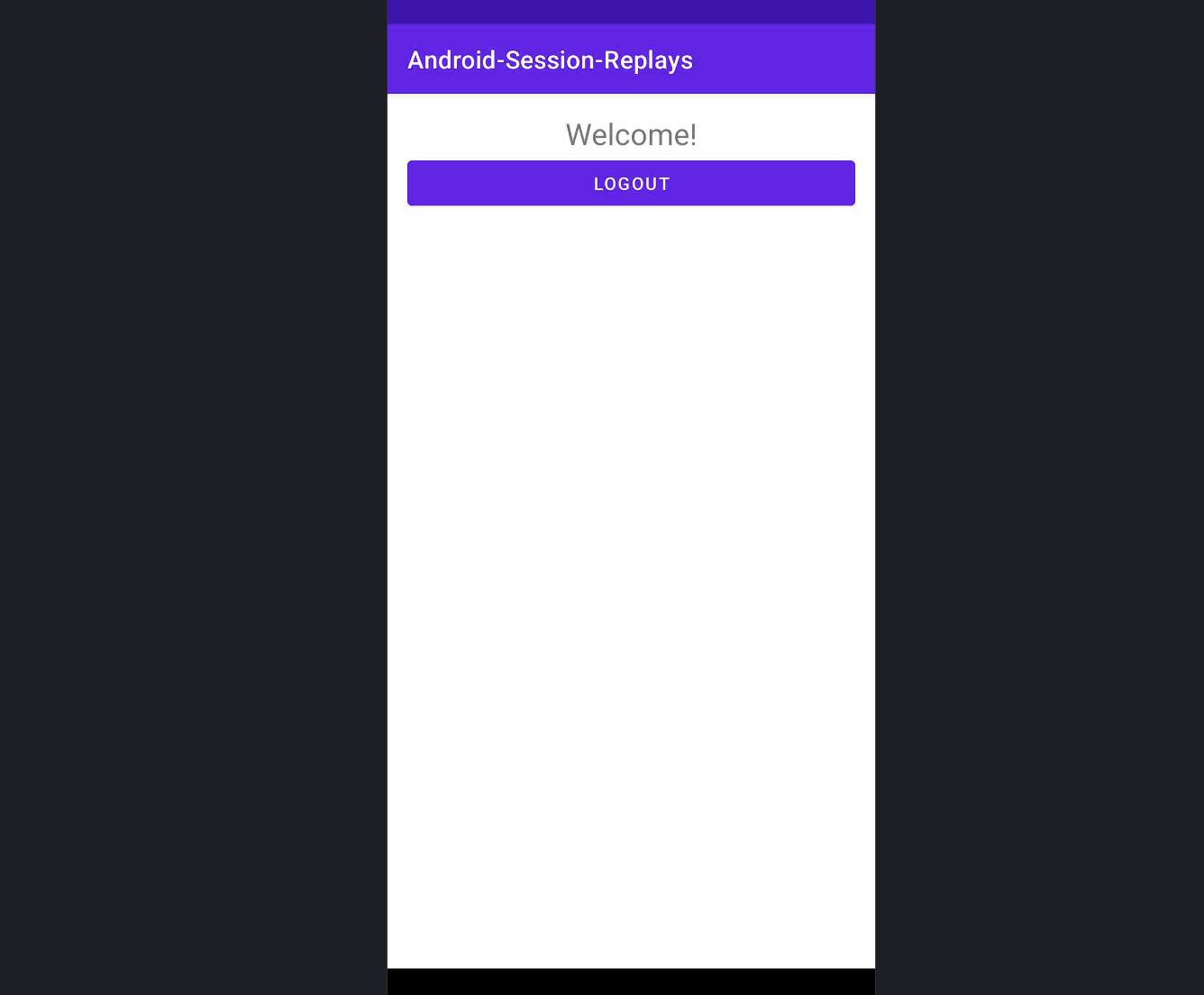
Below is an example of a screen captured in screenshot mode in Android:
Wireframe mode (Android and iOS before 4.0)
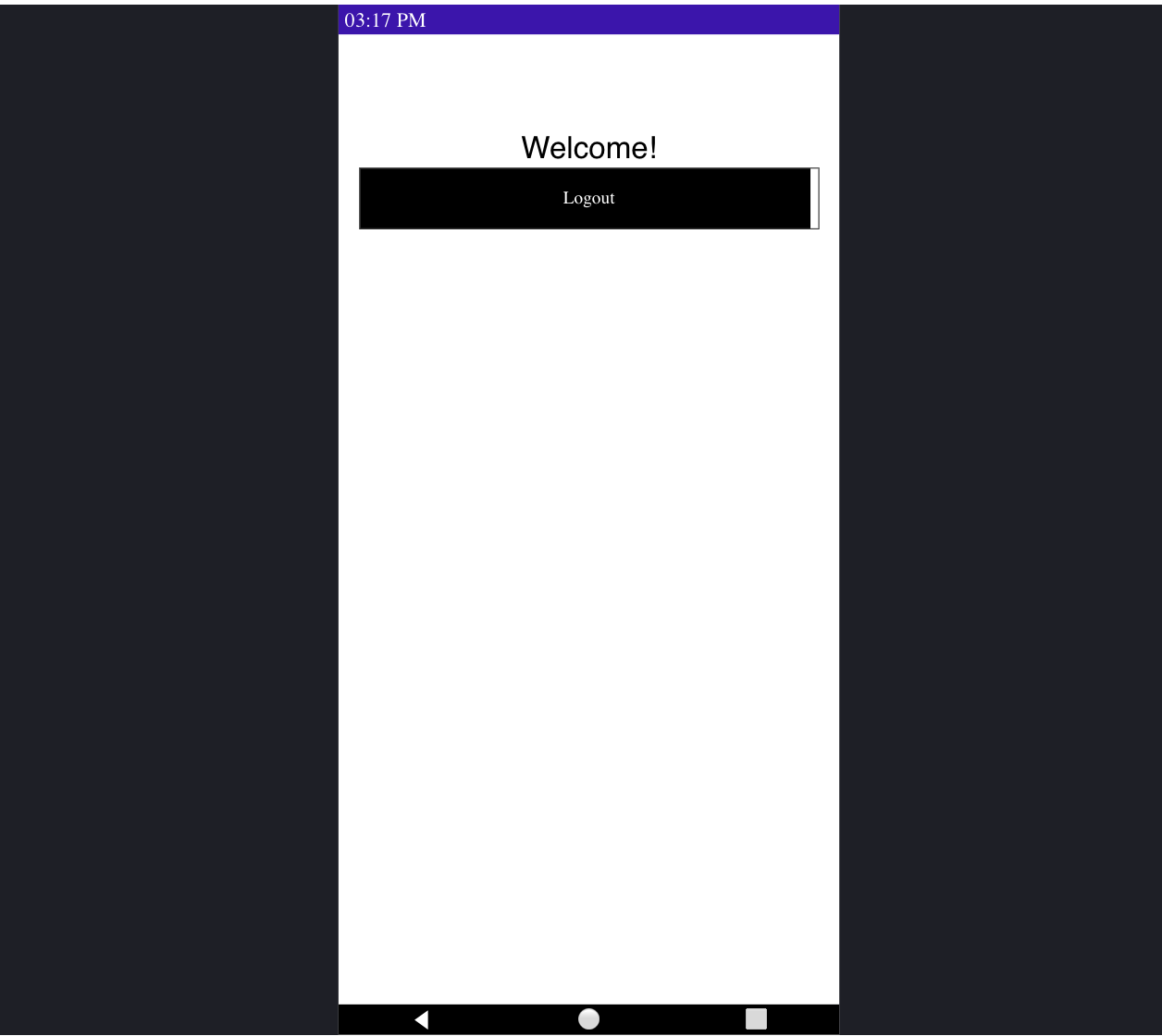
Versions of the native Android and iOS SDKs before 4.0 record in wireframe mode by default. The SDK reads the view hierarchy when the screen is drawn and sends it as JSON, which is rendered as an HTML wireframe. The UI won't have the original look and feel, but it's close enough to see how people use your app. On iOS, wireframe mode doesn't record SwiftUI screens.
To record screenshots on these versions, set screenshot (Android) or screenshotMode (iOS) to true. Version 4.0 removes wireframe mode and both options.
Below is an example of a screen captured in wireframe mode in Android: